
Earn One ViciCoin (VCNT) and Help a Good Cause
Simply join the Zoom-A-Thon and vote for your favorite undersea art. For each vote, the Aquarium of the Bay (AOTB) will receive 1 VCNT.
Event Ended 3/1/24 @ 1 PM PT

Think Globally. Act Locally.
Our Telegram DEVS community is doing something very special to celebrate the official release of ViciCoin Powered Zoom! They are hosting a 24-hour Zoom-A-Thon Art Contest to raise money for the AOTB. For each vote, ViciNFT will donate 1 ViciCoin (VCNT) to support San Francisco’s Aquarium of the Bay.
Sign in any time during the Zoom-A-Thon and vote. It only takes a couple of minutes to help. After all, the fish need to eat, too!
How It Works
How to join our Zoom-A-Thon
Follow These Steps to Join on Mobile
For mobile users, copy+paste this link into your wallet’s browser: https://oauth.vicicoin.io/vicizoom/join/?meeting=84200353131
Connect the wallet holding your 2.5 VCNT.
Follow the prompts and land on the Zoom launch meeting page.
Copy the link provided and paste it into your phone’s Safari, Chrome, Firefox, Edge, or Opera browser. Then, launch Zoom from there!
Still need help? Visit our FAQ.
How to join our Zoom-A-Thon
Follow These Steps to Join on Mobile
Return to this page in your wallet’s browser, and click the ‘Join Zoom’ button.
Connect the wallet holding your 2.5 VCNT.
Follow the prompts and land on the Zoom launch meeting page.
Copy the link provided and paste it into your phone’s Safari, Chrome, Firefox, Edge, or Opera browser. Then, launch Zoom from there!
Still need help? Visit our FAQ.
Zoom-A-Thon FAQ
Before starting, make sure you have your wallet’s plugin installed in your browser and that your installed wallet contains 2.5 VCNT to join. We recommend using a Coinbase Wallet, MetaMask, or ViciCoin Wallet.
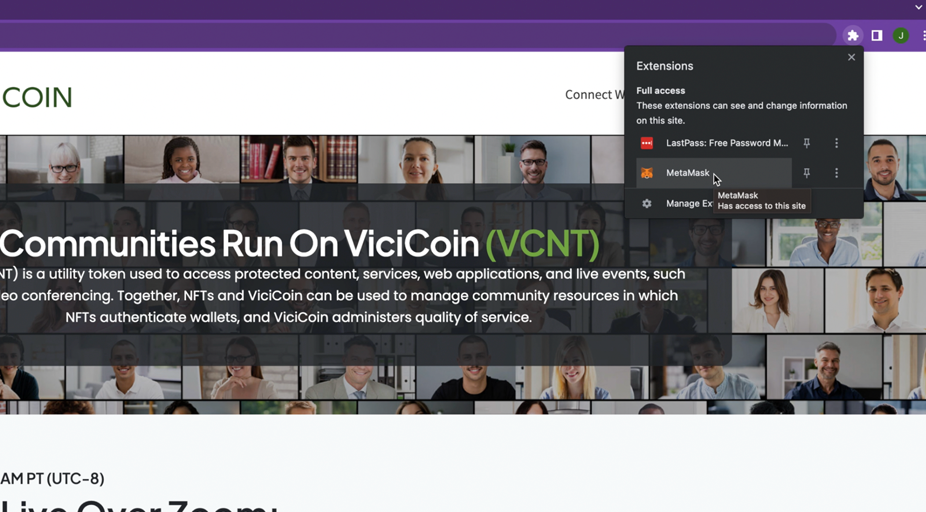
1. On your community’s website, click the ‘Join Zoom’ button.
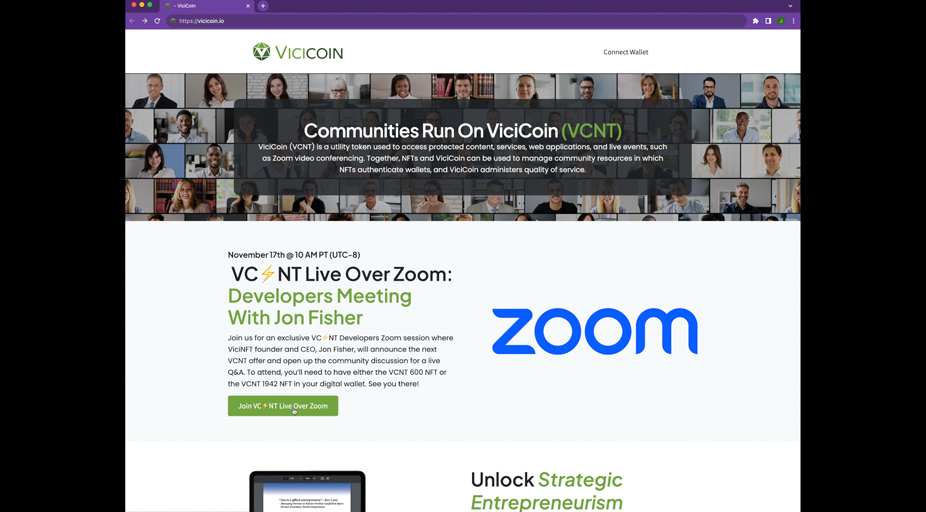
2. On the next page, follow your wallet’s prompts and pay 2.5 VCNT to enter.
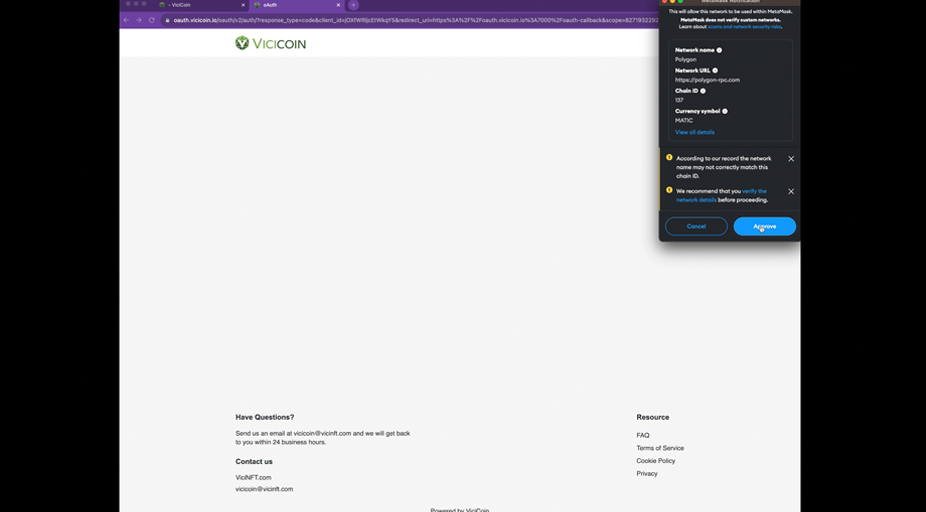
3. After successfully connecting, you can launch Zoom and join the event.
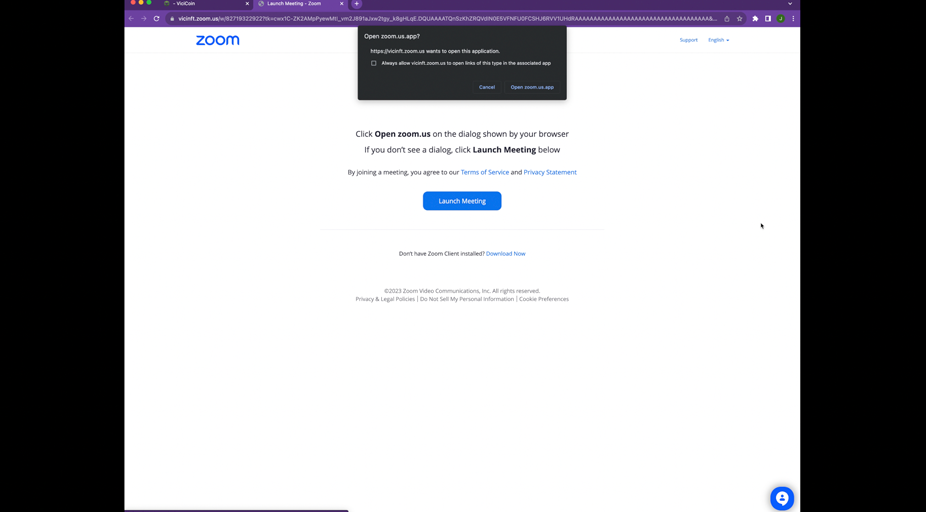
You must have the Zoom App installed on your mobile device before starting. Make sure you are using your wallet containing 2.5 VCNT to join. We recommend using a Coinbase Wallet, Metamask or ViciCoin Wallet.
1. Open your wallet’s browser and enter the website hosting your community’s Zoom link.
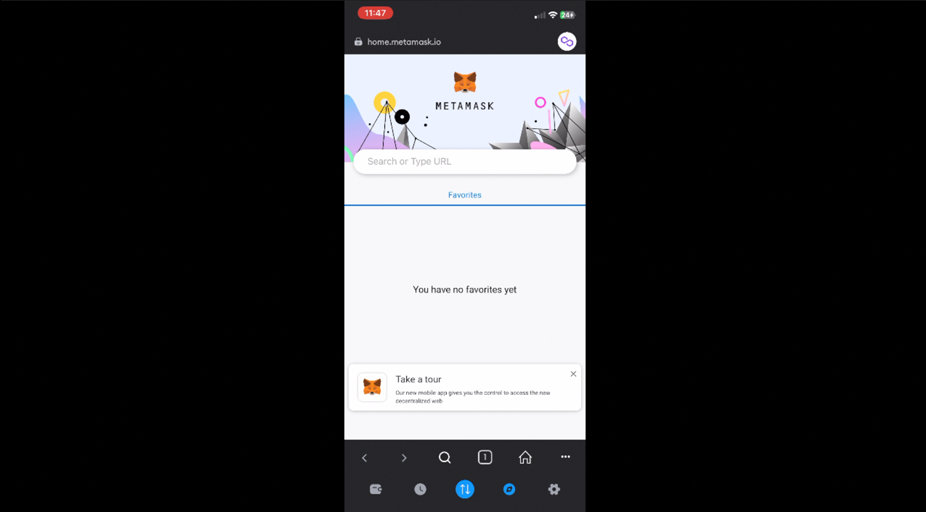
2. Then, click the “Join Zoom” button.
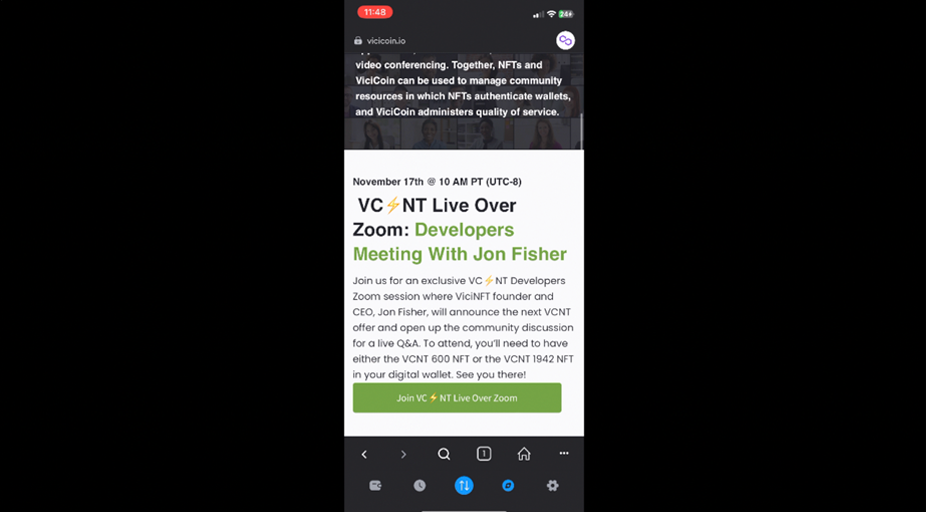
3. Next, you’ll be redirected to a page where you will be prompted to connect and pay the 2.5 VCNT admission fee, then access Zoom.
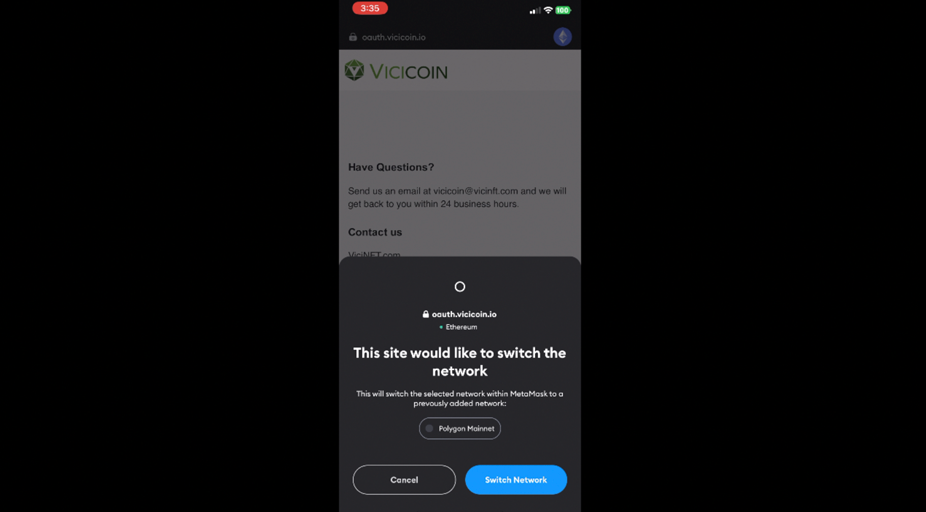
4. After successfully connecting, copy the meeting link provided (Do not tap Launch Zoom)
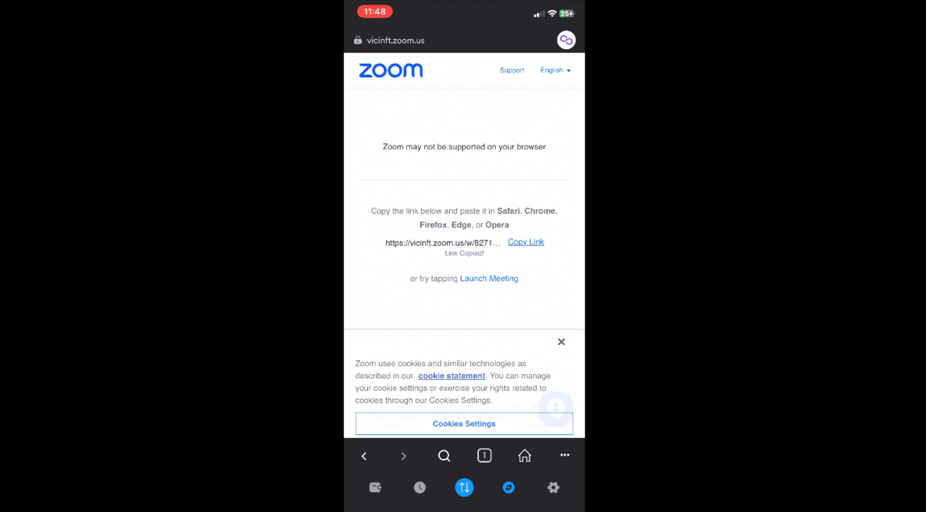
5. Open Safari, Chrome, Firefox, Edge, or an Opera browser and paste the link.
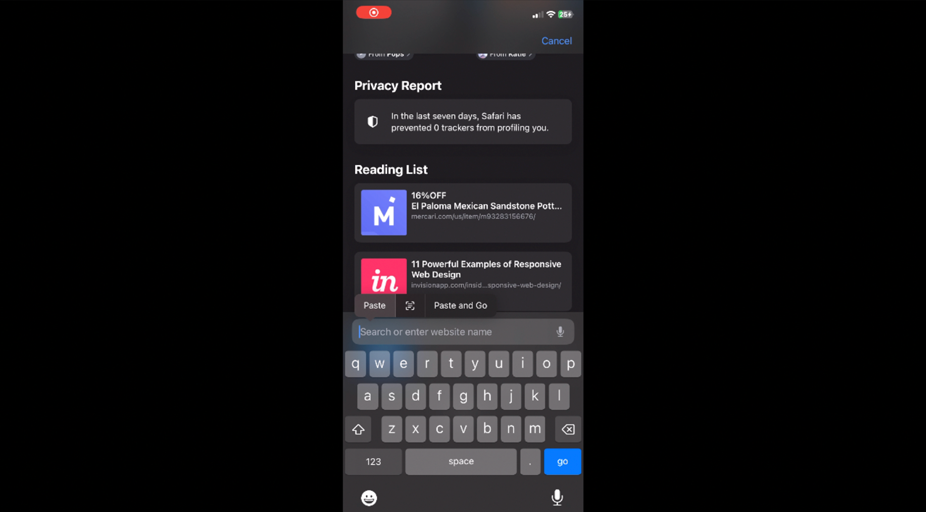
6. Then, launch your Zoom meeting!
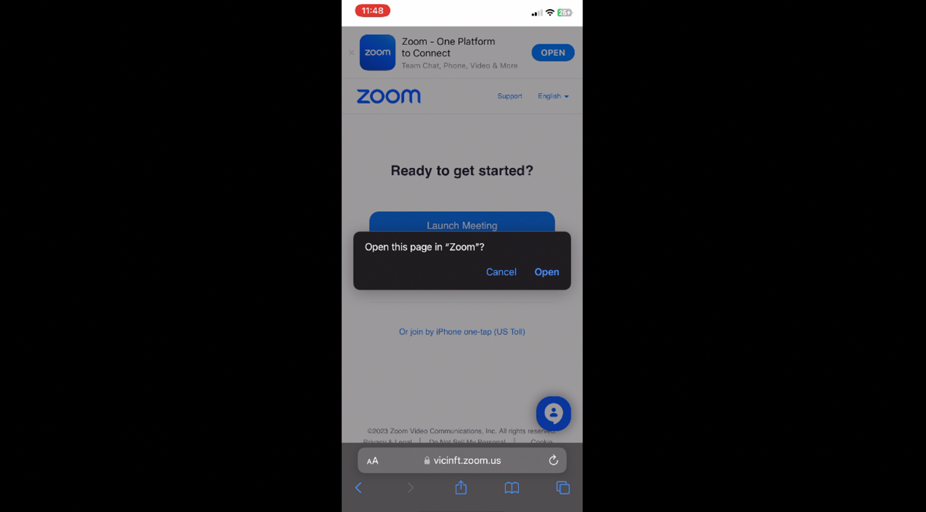
For desktop, we support Chrome, Safari, and Firefox.
For mobile, we support MetaMask and Coinbase Wallet browsers.
If you are using the ViciCoin Wallet on mobile, we also support Chrome, Safari, and Firefox.
We recommend acquiring VCNT by swapping through Uniswap.
Our Telegram DEVS community is doing something very special to celebrate the official release of ViciCoin Powered Zoom! They are hosting a 24-hour Zoom-A-Thon Art Contest to raise money for the AOTB. For each vote ViciNFT will donate 1 ViciCoin (VCNT) to support San Francisco’s Aquarium of the Bay.
Sign in any time during the Zoom-A-Thon and vote, it only takes a couple of minutes to help. After all, the fish need to eat too!
Still have questions? You can reach out to us via email at support@vicinft.com.
Get connected with us on social networks:

Vici Network provides turn-key NFT and Token solutions for enterprises, creators, and communities committed to the common good. The Vici Network Foundation, a nonprofit organization, works with clients to support the charities of their choice and promote positive changes within their community.
Audited by

© 2026 Copyright ViciCoin Powered by Vici Network